2.10.2 路径
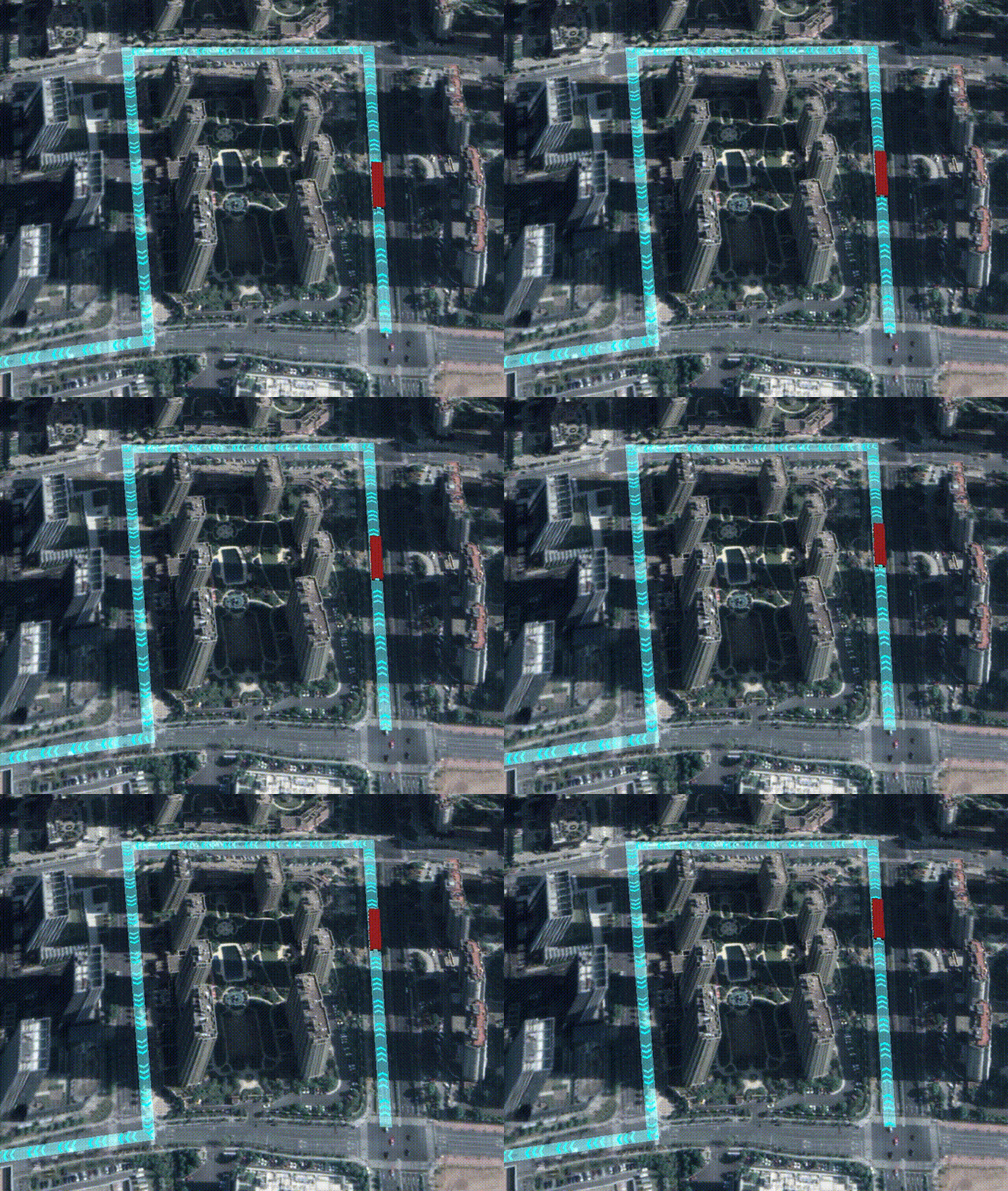
路径的创建
预设路径: 使用Path类实现路径的预设创建:
var obj = new CooWasm.Path({
    editMode: CooWasm.EnumPathEditMode.SHOW,
    waypoints:[
        new CooWasm.WayPoint(new CooWasm.Vec3Obj(120.2186460645, 30.2079714945, 14.306917811), 10),
        new CooWasm.WayPoint(new CooWasm.Vec3Obj(120.2214998692, 30.2083024861, 14.7414785178), 20),
        new CooWasm.WayPoint(new CooWasm.Vec3Obj(120.2209860769, 30.2103358536, 14.8805724924), 20),
        new CooWasm.WayPoint(new CooWasm.Vec3Obj(120.2182344832, 30.2094266889, 14.2970579566), 20),
        new CooWasm.WayPoint(new CooWasm.Vec3Obj(120.2174964696, 30.2111385021, 14.2970579566), 20),
        new CooWasm.WayPoint(new CooWasm.Vec3Obj(120.2199682291, 30.212185077, 14.2970579566), 20),
    ]
}, state => {
    if (state) {
        //加载成功,执行定位
        obj.Locate();
    } else {
        //加载失败,销毁对象
        obj = obj.destroy();
    }
})
手动创建路径: 用Path类实现路径的初始化,使用鼠标左键在场景单击创建控制点,右键结束:
var obj = new CooWasm.Path({
    editMode: CooWasm.EnumPathEditMode.CREATE
}, state => {
    if (!state) {
        obj = obj.destroy();
    }
})
路径动画效果
路径可结合Model类(或者GeoCuboid/GeoSphere),Presentation类实现路径动画效果,详细用法见2.10.3 演示系统的路径动画部分。
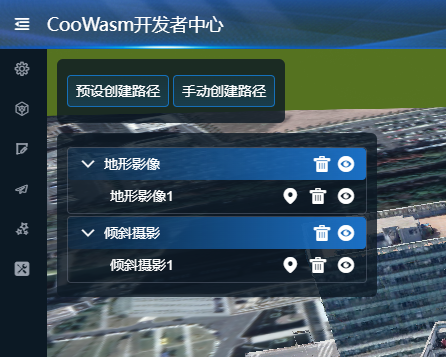
CooWasm开发者中心操作指南(路径)
1.选择功能模块: 在开发者中心左侧列表中,依次选择场景绘制→路径。
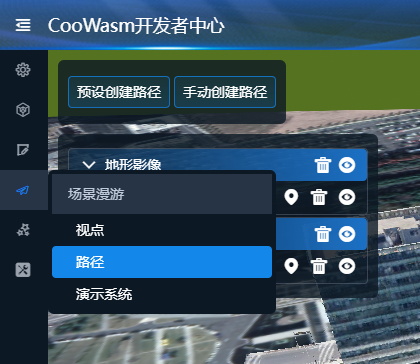
2.创建路径: 点击预设创建路径或手动创建路径,完成创建。